
3-Axis vs 4-Axis vs 5-Axis CNC Machining: When to Use Each
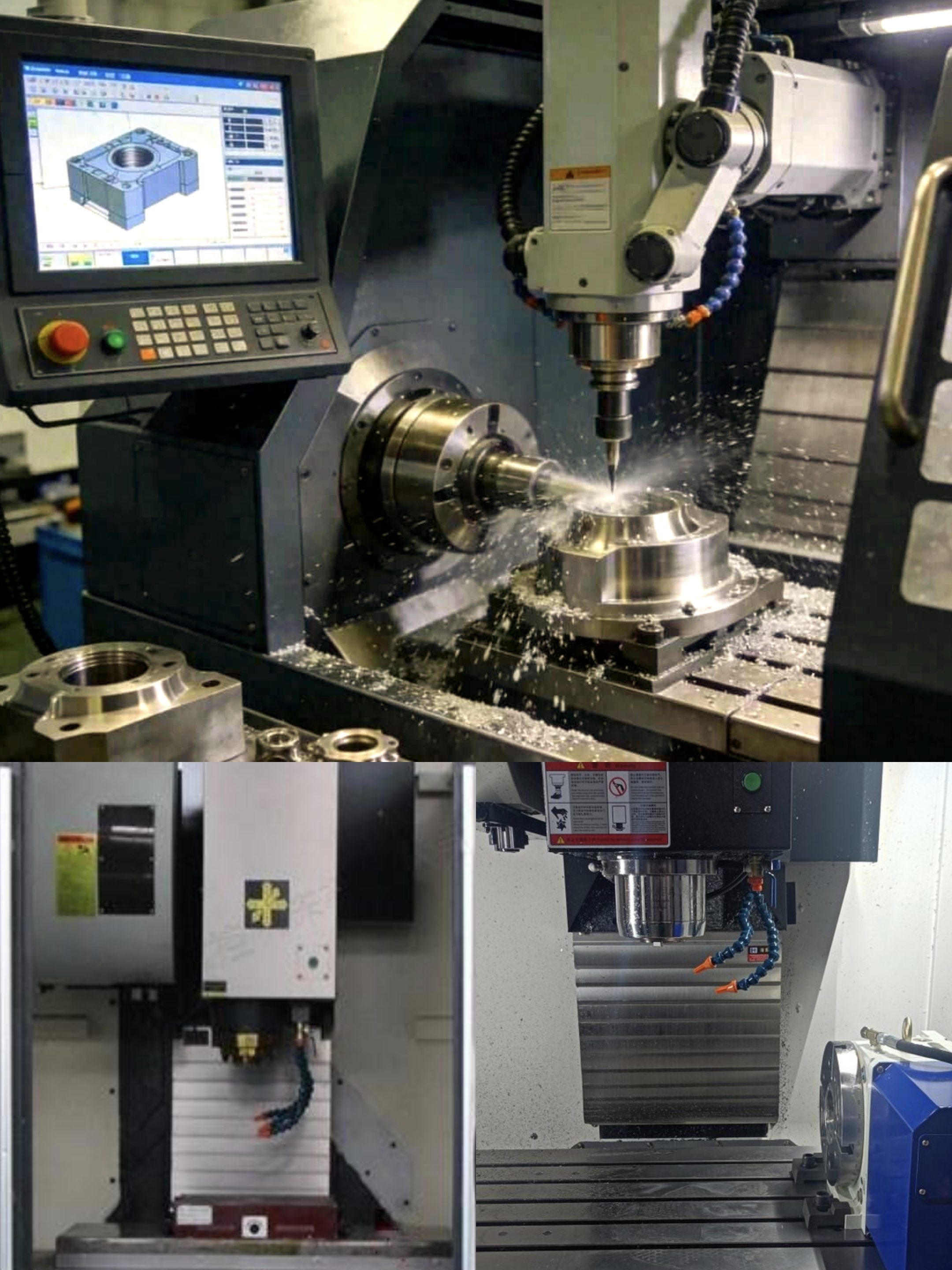
Meta description: How to choose between 3-axis, 4-axis and 5-axis CNC milling — compare capabilities, tolerances, cost and applications.
More axes is not always better. Choosing the right axis count for your part cuts setup errors, lead time and cost. This guide helps you pick the most economical process that still meets your tolerance and geometry requirements.
All CNC milling uses three linear axes: X (left/right), Y (forward/back), Z (up/down). Multi-axis machines add rotary axes (A, B or C) to tilt or spin the workpiece — meaning the tool can reach more angles without re-clamping.
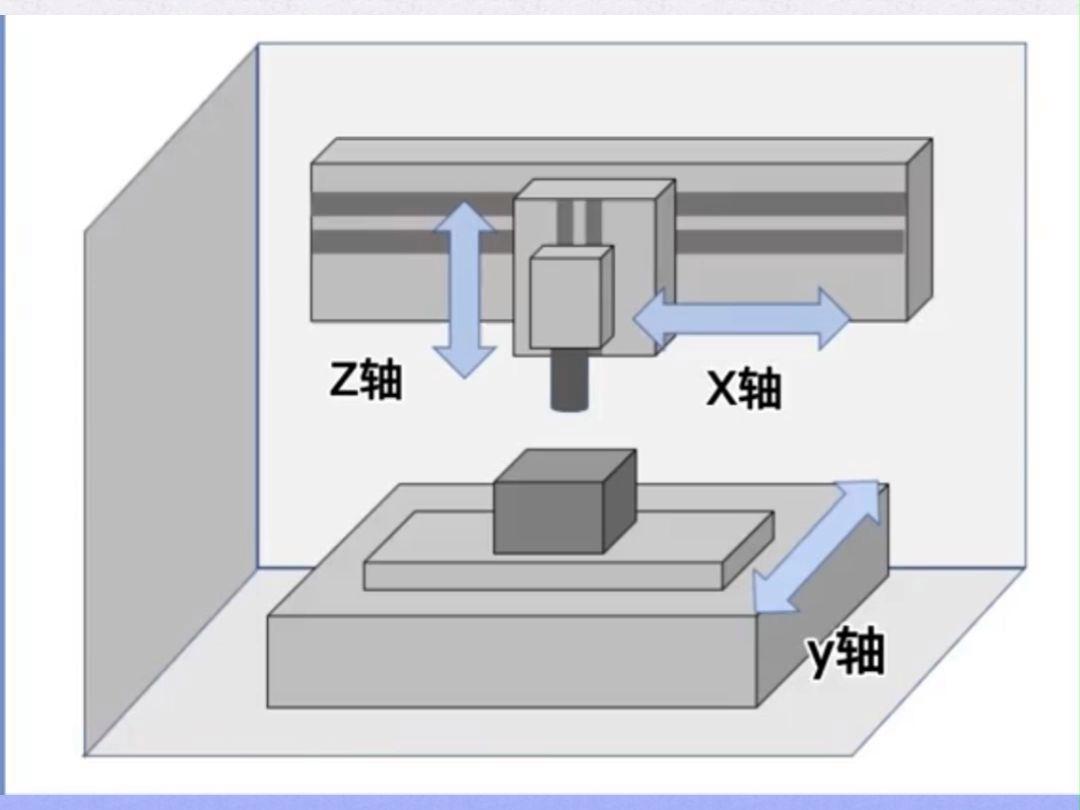
Workpiece stays fixed; cutter moves in X/Y/Z. Handles pockets, slots, holes and flat faces from one direction.
Pros: lowest cost, fast setup, excellent repeatability for single-sided parts. Cons: side features need manual flipping; re-clamps add positioning error; no undercuts or angled planes. Tolerance: ±0.01–0.03 mm (single setup).
Use for: brackets, base plates, simple housings, fixture plates, low-complexity prototypes and mold plates.
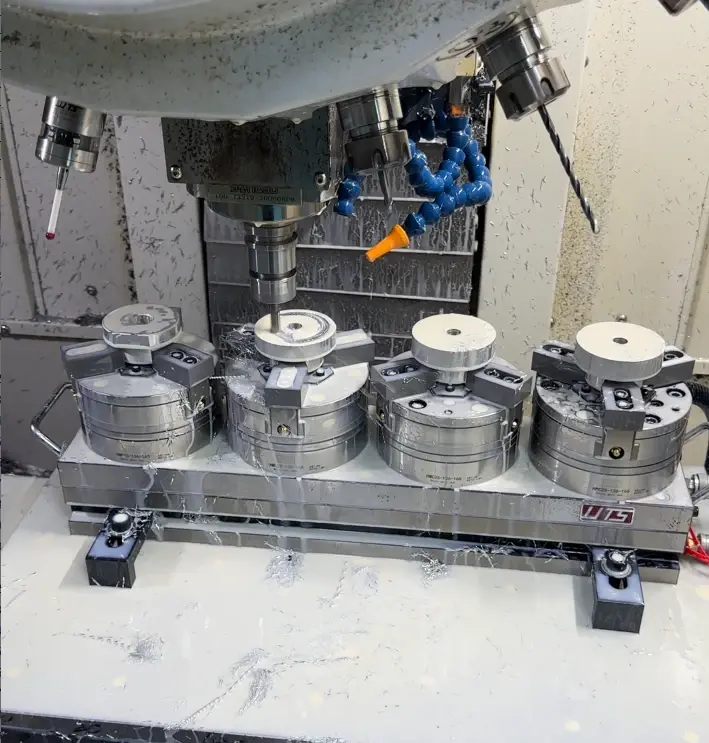
Adds one rotary axis (usually A around X). The part rotates to present new faces — by fixed indexing or continuous synchronized motion.
Pros: machines multiple sides in one setup; excellent radial concentricity; easier to program than 5-axis. Cons: only one rotation plane; compound angles and true undercuts still impossible. Tolerance: ±0.01 mm or better on radial features.
Use for: shafts, valve bodies, manifolds, pulleys, camshafts, radially spaced hole patterns, helical and wrapped features.
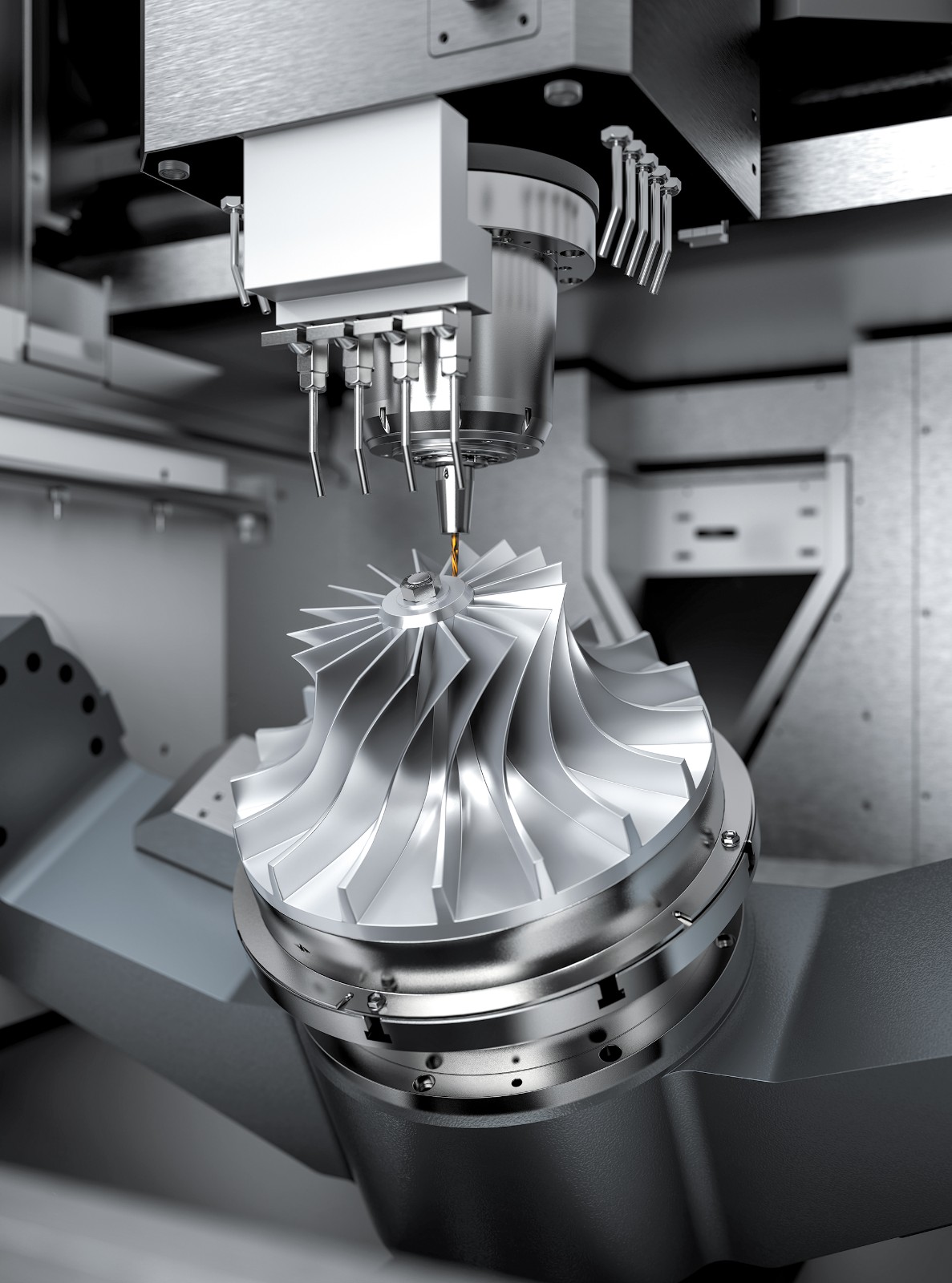
Adds a second rotary axis (B or C). Two modes: 3+2 positional (tilt then lock) and full simultaneous 5-axis.
Pros: one-setup machining for nearly all features; reaches deep angled cavities with shorter, stiffer tools; handles freeform surfaces and complex contours. Cons: highest hourly rate; more expensive programming; overkill for simple parts. Tolerance: ±0.005–0.02 mm on complex parts.
Use for: aerospace structures, medical implants, impellers, turbine blades, optical housings, robot components with compound angles or organic curves.

1. All critical features on one or two orthogonal faces → 3-axis
2. Features arranged radially around a central axis → 4-axis
3. Compound angles, freeform curves or deep cavities → 5-axis
4. Can you redesign to remove compound angles? Drop to 4-axis or 3+2 and save cost.
5. Tight concentricity between side features? Minimize setups with 4-axis or 5-axis.
• 3-axis — default for simple prismatic parts and cost control.
• 4-axis — sweet spot for cylindrical, radial and multi-sided parts.
• 5-axis — only for geometry unreachable without two rotational axes.
Send us your STEP file and tolerance callouts — we review every DFM first and recommend the lowest-axis process that still meets your specs.
Copyright © 2025 Qingdao Zhengrong Precision Machinery Co.,Ltd. All Rights Reserved Powered By HiCheng

